

Your complete toolbox
Before you build, get to know your tools. The AT-66BL app groups blocks into color-coded categories on the left edge. This page is your reference - come back to it any time you forget what a block does.Color = category. Blue is flight, yellow is events, orange is control and variables, light-blue is sensing, green is math. The colors match Scratch, so if you’ve used Scratch before, you already know your way around.
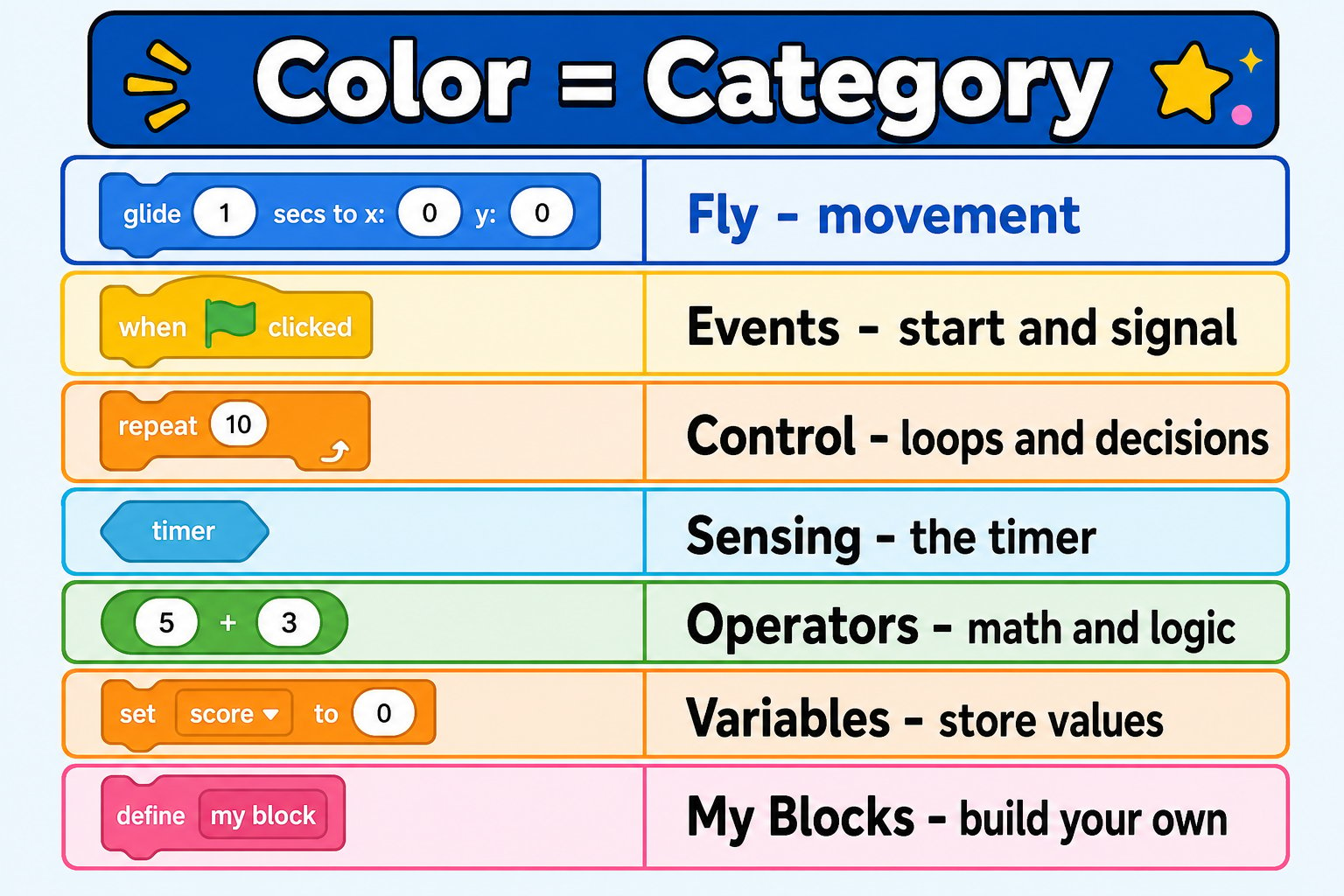
The block color legend - learn the colors and you can find any block fast
Fly (blue) - make the drone move
The Fly category holds every movement command. These are unique to the drone.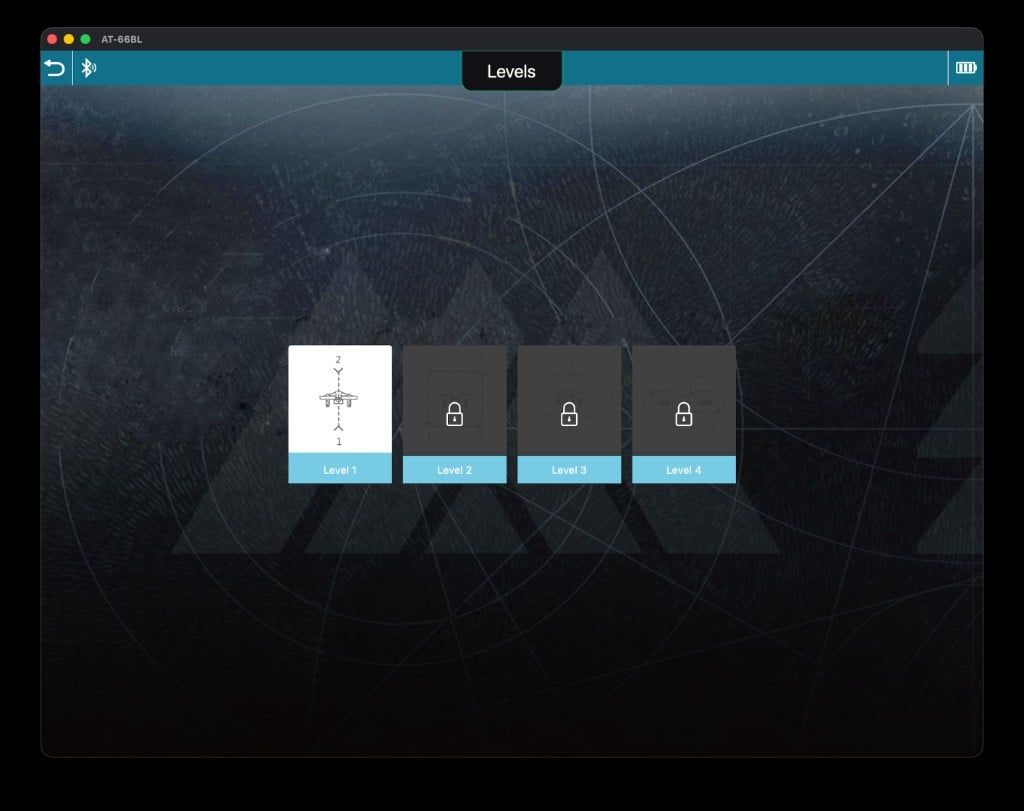
The Fly blocks - take off, land, and every movement command
Events (yellow) - start and signal
Events are how programs begin and how parts of a program talk to each other.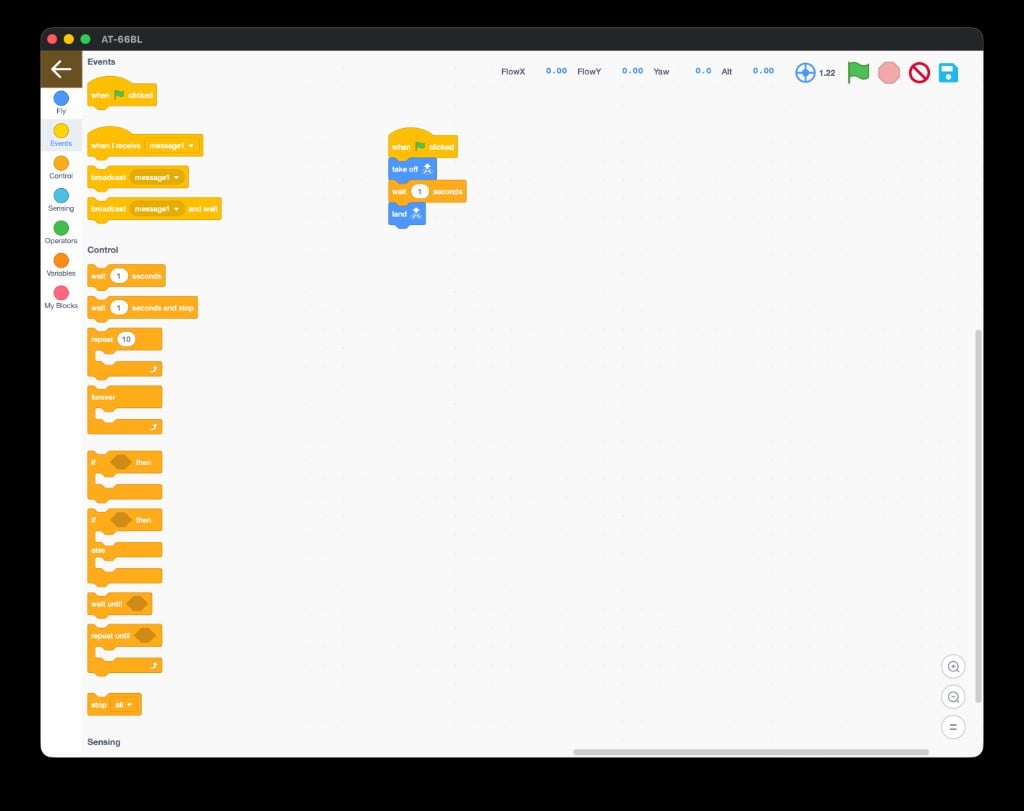
The Events blocks - start your program and broadcast messages
Every program starts with a when 🏳 clicked hat block. Snap your flight blocks right underneath it.
Control (orange) - loops and decisions
Control blocks are the logic of your program - how it repeats, waits, and decides.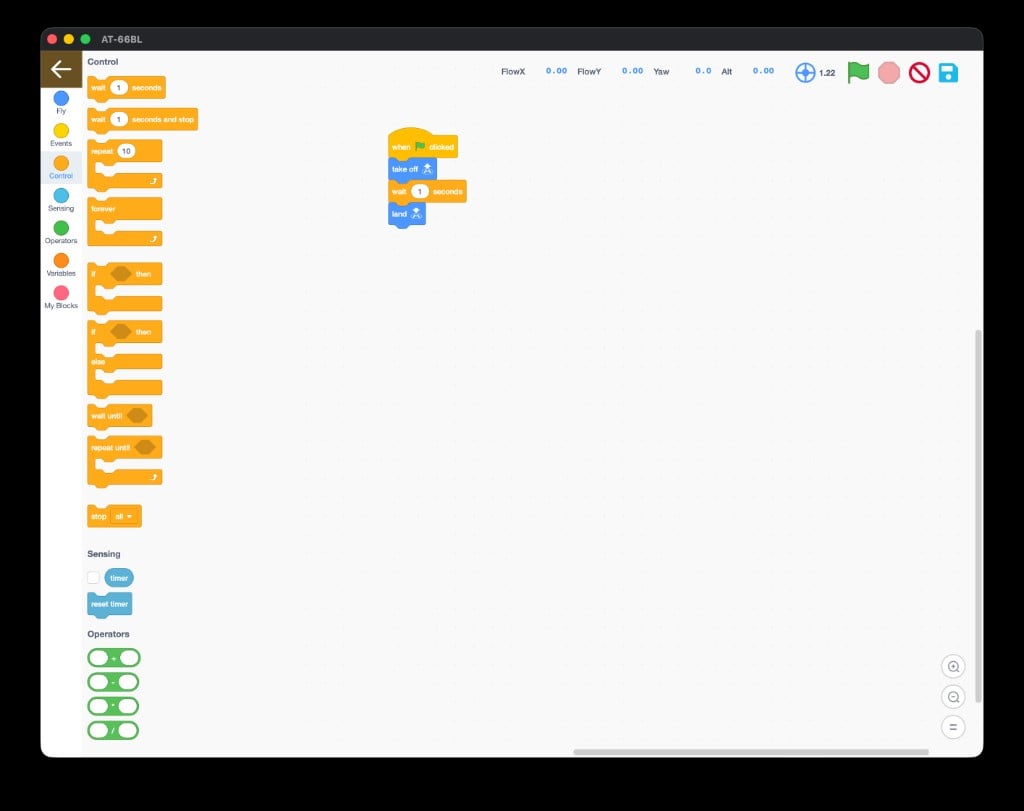
The Control blocks - loops, waits, and if-then decisions
Sensing (light blue) - the timer
Sensing lets your program react to time.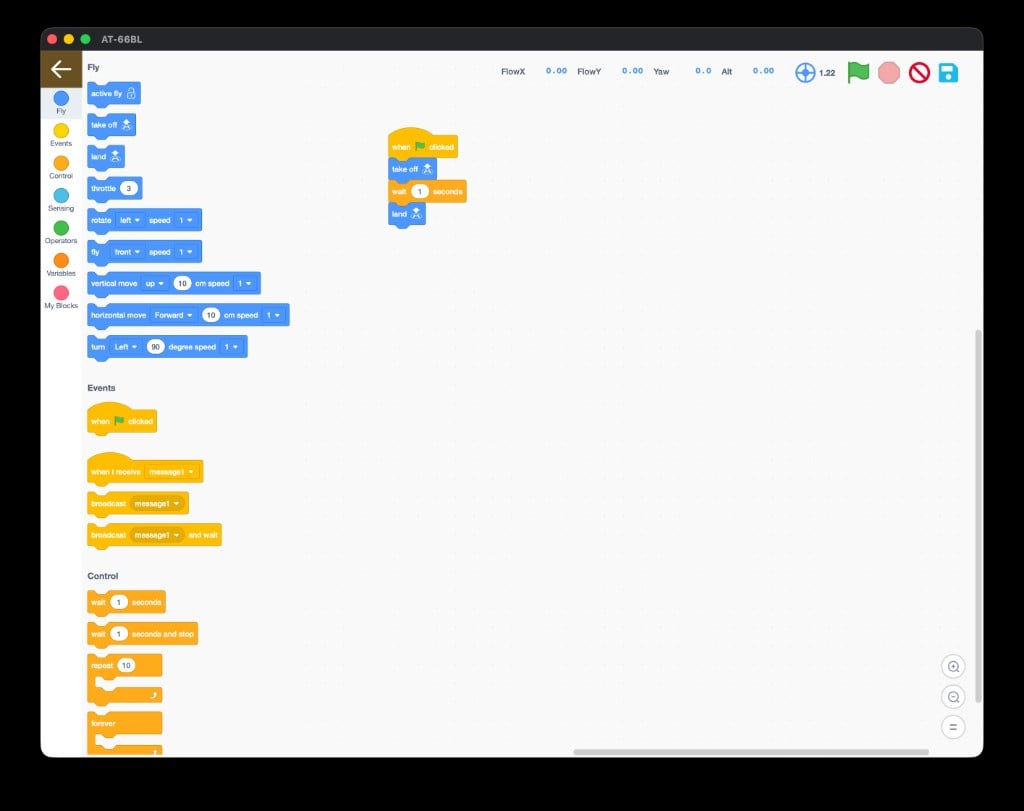
The Sensing blocks - timer and reset timer
Pair timer with wait until or if-then to build time-based routines - like “do a trick every 5 seconds.”
Operators (green) - math and logic
Operators do math and compare values. You drop them inside other blocks.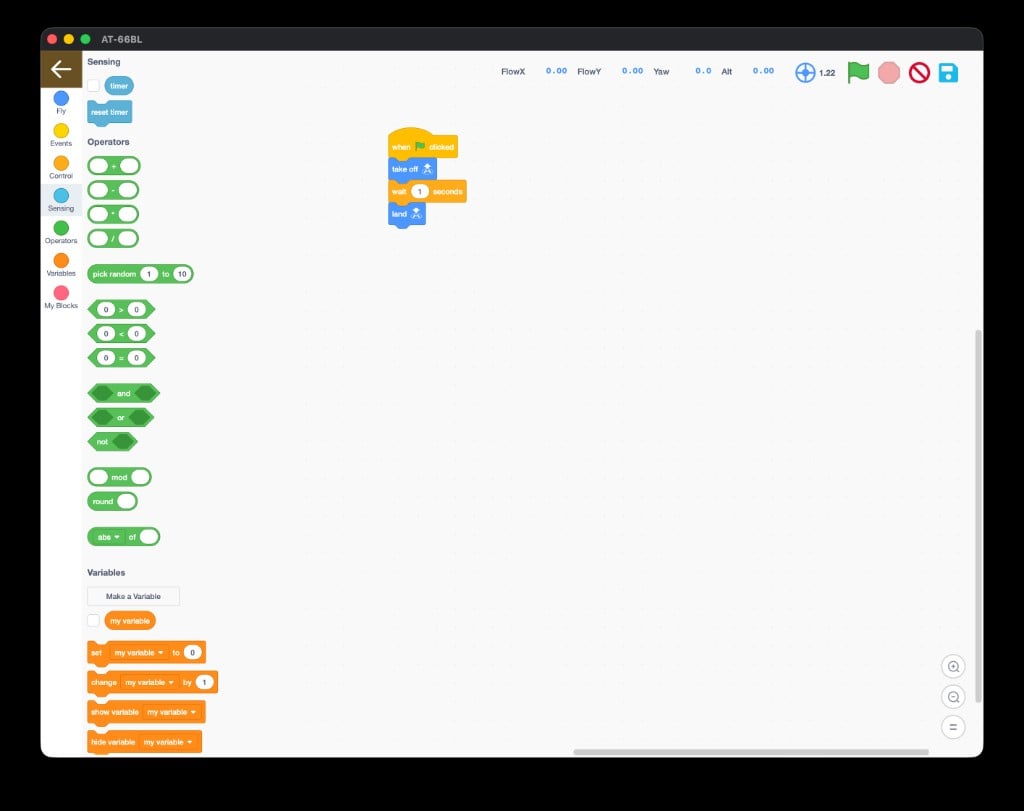
The Operators blocks - arithmetic, random, comparisons, and logic
Variables (orange) - store values
A variable is a named box that holds a number you can read and change.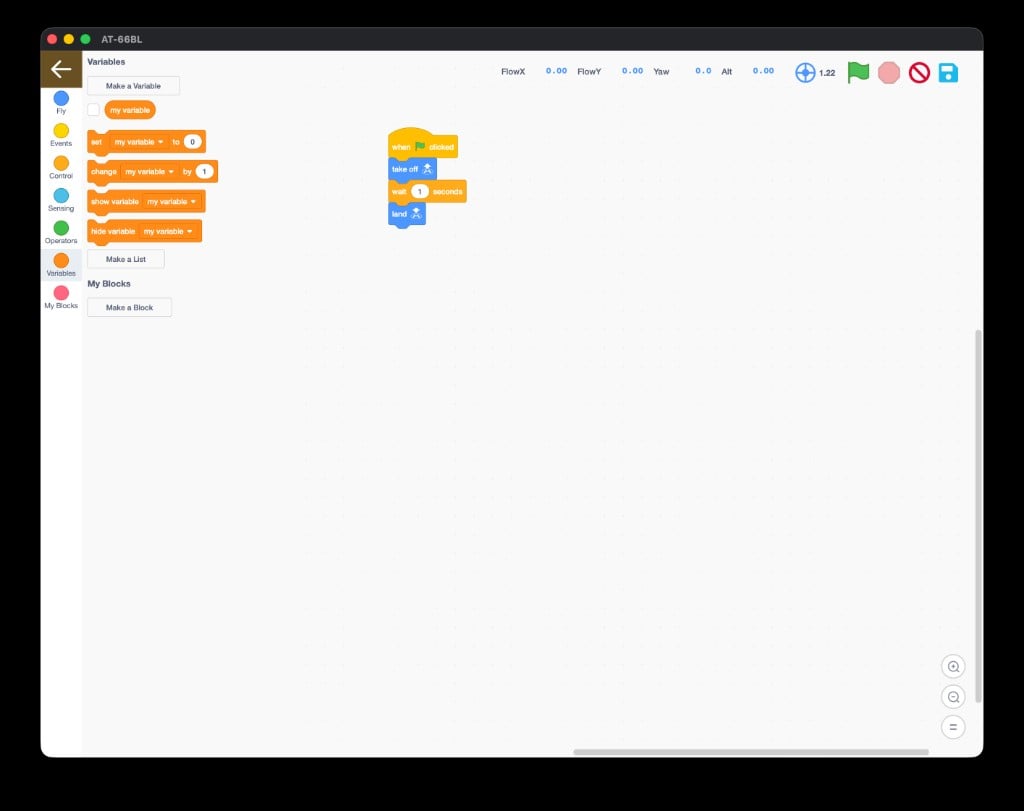
The Variables blocks - make, set, change, show, and hide values
When you click Make a Variable, this dialog appears - name it and choose the scope:
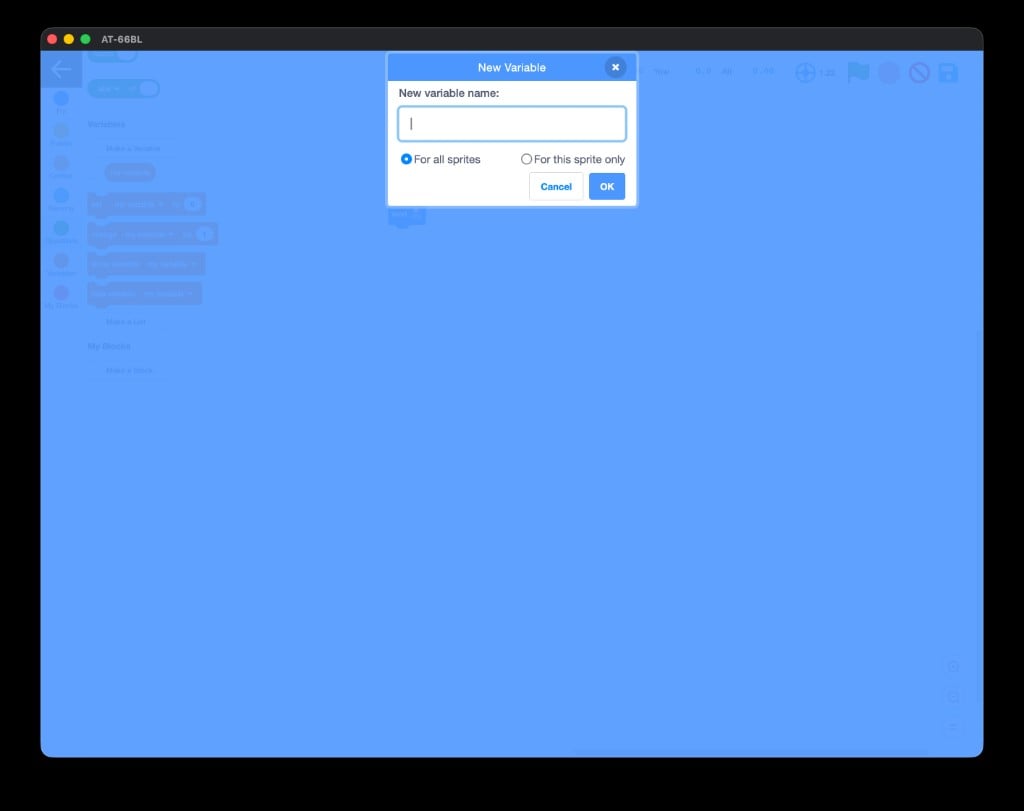
Naming a new variable
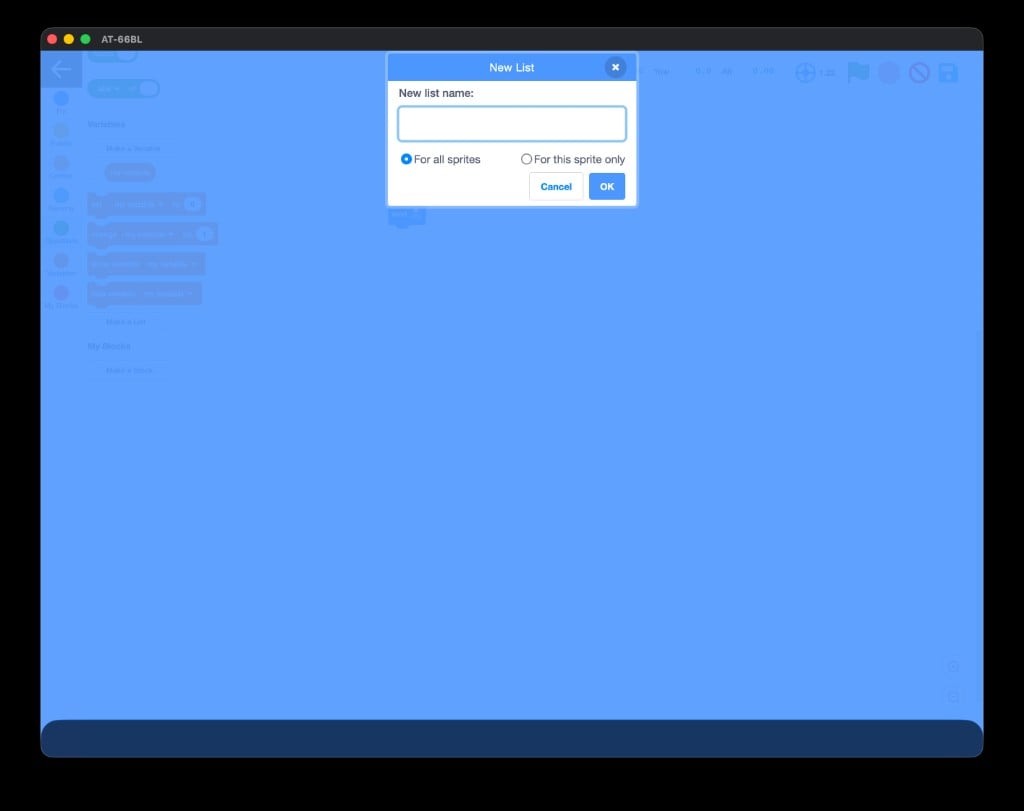
Naming a new list
My Blocks - build your own
My Blocks lets you package a sequence of blocks into one custom block you name yourself. Click Make a Block, give it a name (likedo_a_flip), and reuse it anywhere.
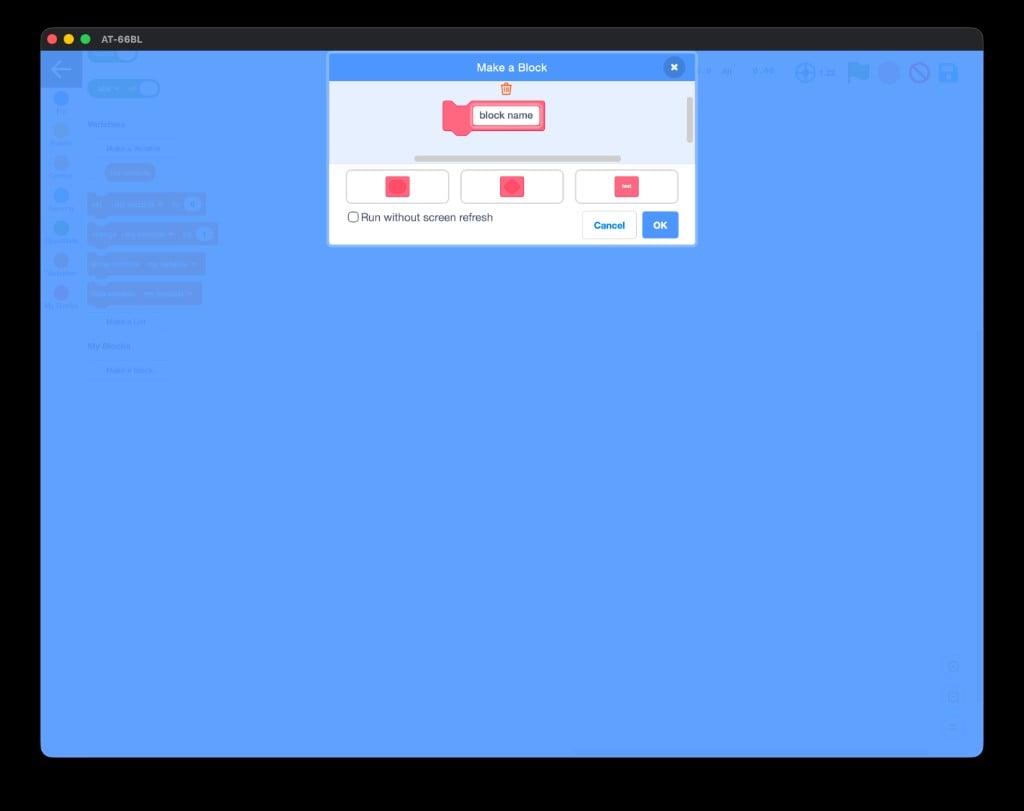
Making your own custom block
You can name all seven categories, and you know where to find take off, repeat, when 🏳 clicked, Make a Variable, and Make a Block.
Next: your first AT-66BL program
Build the “hello world” of AT-66BL - take off, hover, land - with the green flag.