

Welcome to Drone Flight & Coding
Welcome! Over the next five days you’ll build a real quadcopter, learn to fly it like a pilot, and then program it to fly on its own. Today is Foundations Day - before anything takes off, you’ll build your drone, understand how it flies, and learn to handle it safely.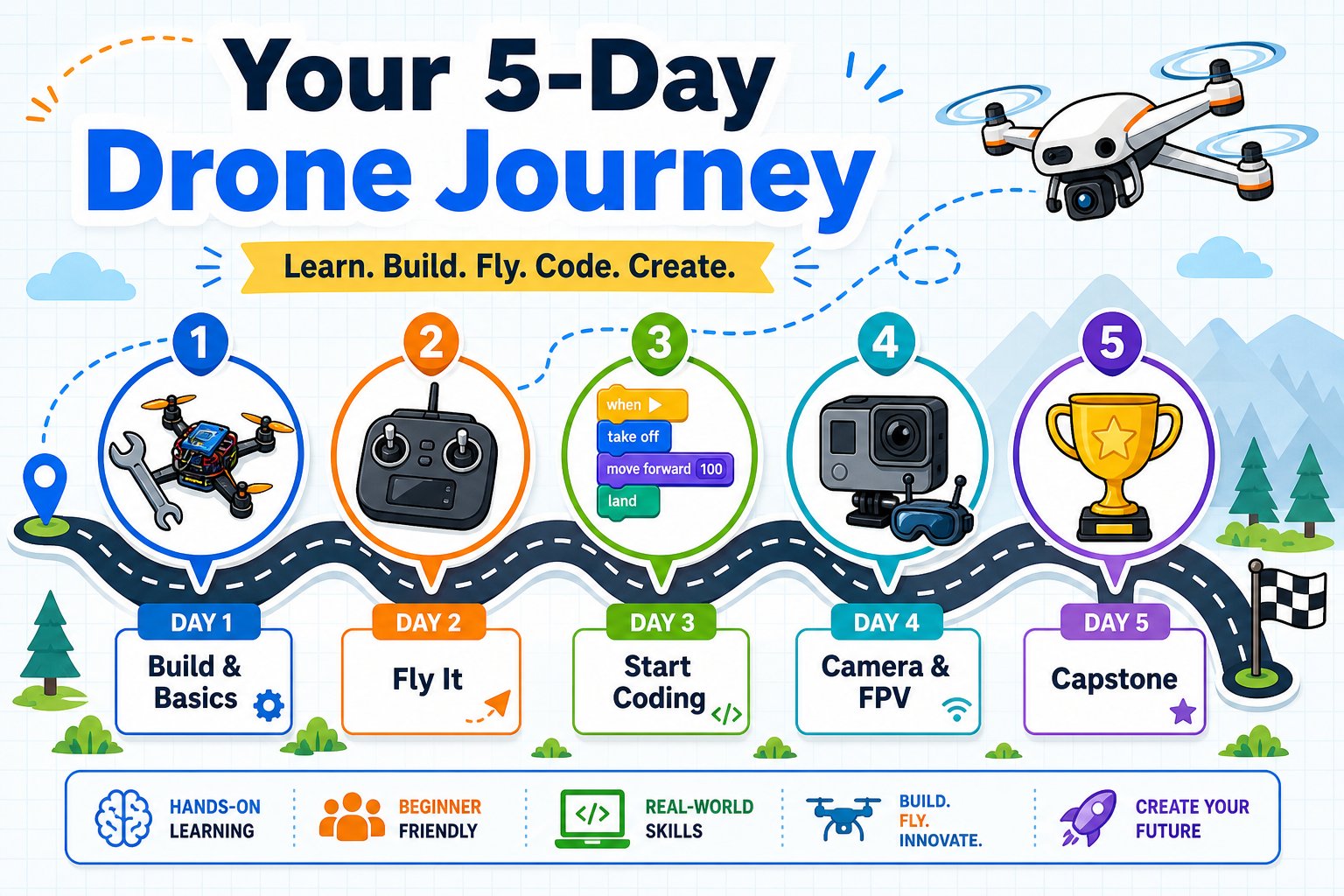
Your five-day journey - from a boxed-up kit to a coded capstone mission
This camp is fully virtual and facilitator-led. Every student has a Pitsco Echo Drone shipped to their home to build, fly, and keep.
The one big idea of camp
Everything this week follows the same loop that real engineers use: build something, fly (test) it, code it to do more, and create your own missions. You’ll spin this loop over and over, getting a little bolder each time.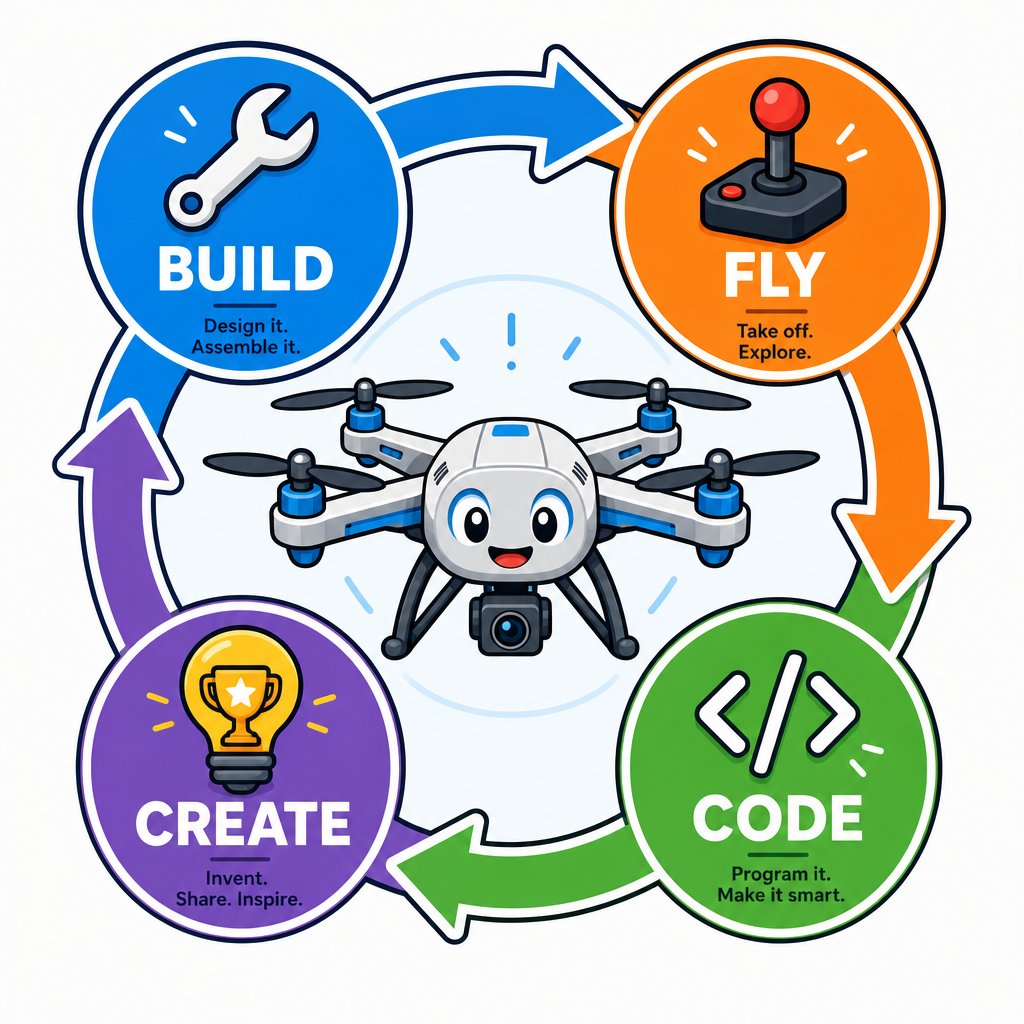
The build-fly-code-create loop you'll repeat all week
What today is about
What is a drone?
Learn what makes a drone a drone and where drones are used in the real world.
How drones fly
The four forces of flight and how four spinning propellers create controlled movement.
Anatomy of your drone
Every major part of your Echo Drone and what it does.
Build your drone
Attach the propellers and guards, install the battery, and get flight-ready.
Safety first
The rules that keep you, your drone, and everyone around you safe.
The week ahead
Day 1 - Build & basics
Unbox and build your drone, learn how drones fly, and cover safety.
Day 2 - Fly it
Pair the controller, learn the controls, and take your first flights.
Day 3 - Start coding
Connect over Bluetooth at echo.pitsco.com and write your first programs.
Day 4 - Camera & FPV
See through the drone’s camera and fly first-person-view.
Day 5 - Advanced & capstone
Build more complex programs with the AT-66BL app and your capstone.
Meet your camp team
Your instructors and technical helpers support you all week. Please allow up to 24 hours for email replies.Get set up for success
Clear a flying space
You’ll need an indoor area with a few meters of clear floor, away from people and pets.
Charge everything
Charge the drone battery fully and put fresh AAA batteries in the controller.
Have your devices ready
A laptop or Chromebook for coding (Day 3+), and a phone or tablet for the camera (Day 4).
Icebreaker: dream up a mission
Before we build, take two minutes and imagine: if you had a flying robot that could go anywhere and see anything, what job would you give it? Jot down one idea. Keep it somewhere safe - the best Day 5 capstone projects come from exactly this kind of spark.Safety first
Drones are safe when handled correctly, but spinning propellers and lithium batteries deserve respect. Keep these rules in mind all week.You’re ready to begin when your workspace is clear, your drone and controller are charged, and you have a way to take notes. Let’s build!