

Welcome to Donuts & Dragons
This is the main hands-on activity for Day 3 - and it carries through to Day 4. You and your team will take on the role of the security team for Donuts & Dragons, a donut shop and tabletop gaming community hub. Your mission: protect the business from cyberattacks on a limited budget.Everything you learned this week - security controls, the CIA Triad, defense in depth, threat actors, the kill chain, network architecture, and cloud security - comes together here. This is where theory meets practice.
The scenario
At Donuts and Dragons, we’re more than just a donut shop - we’re a community hub where fresh, handcrafted donuts meet the adventurous spirit of tabletop gaming. Whether you’re stopping by for a morning treat or staying for a game night with friends, we offer a welcoming space filled with delicious flavors and fun.
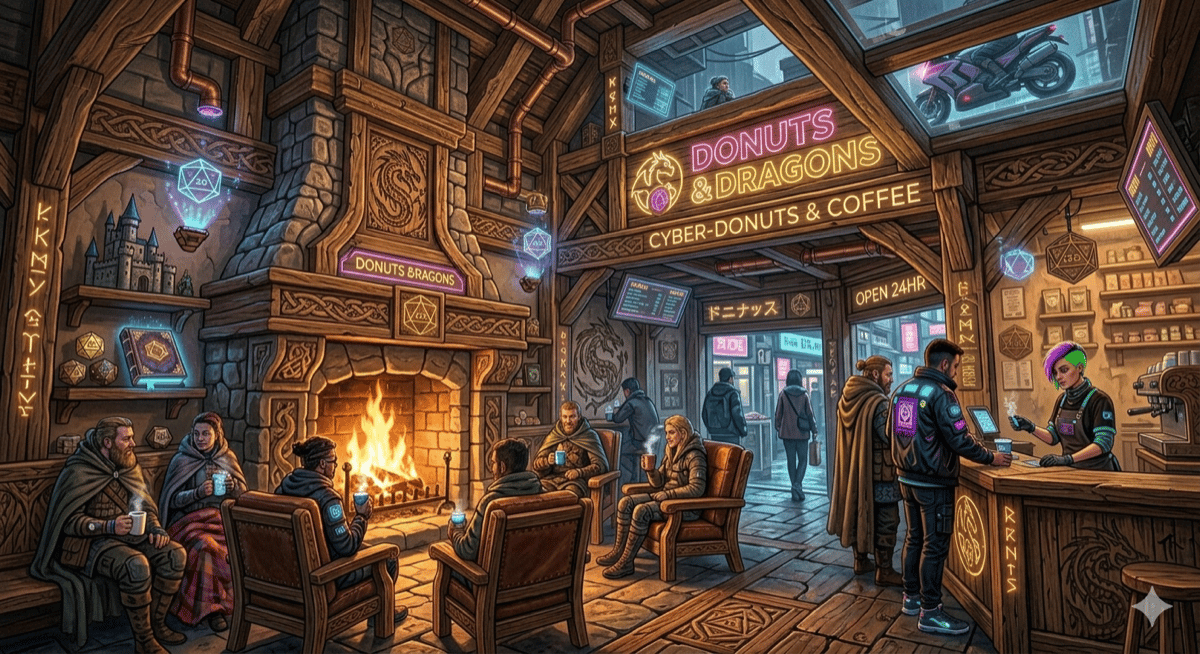
Welcome to Donuts and Dragons - your business to protect
The business
Your goal
You have a limited budget assigned by your instructor (typically 15,000). Using that budget, purchase security controls that protect the shop’s most critical assets. You cannot exceed your budget. Every dollar spent on one control is a dollar you can’t spend on another. On Day 4, the instructors (the Red Team) will launch attack scenarios against your defenses. Each security control you purchased that successfully stops an attack earns your team +1 point. The team with the most effective defense wins.Assets to protect
These are the assets that Donuts & Dragons relies on to operate. Every asset is a potential target. Your job is to decide which ones are most critical and need the most protection.Security controls available for purchase
Your instructor will give your team a budget. Review the controls below and decide which ones to buy. Every control has a cost, a type (physical, technical, or both), and a description of what it protects.Notice the “Type” column. Physical controls protect against physical threats (break-ins, theft). Technical controls protect against cyber threats (malware, hacking). Security awareness training is both - because people are the most common attack vector for both physical and cyber threats.
How to plan your defense
Follow these steps as a team. Your Team Captain leads the discussion, your Budget Specialist tracks spending, and your Report Specialist documents every decision.1
Review your budget
Your instructor will assign your team a budget. Write it down. Every dollar matters.
2
Rank your assets by priority
Go through the asset table above and decide: which assets, if compromised, would cause the most damage to the business? Consider financial loss, legal consequences, customer trust, and operational impact.Ask yourselves:
- “If the POS system is hacked, what happens to the business?”
- “If an employee falls for a phishing email, what could the attacker access?”
- “If the cash drawer is stolen, how much do we lose versus if customer card data is stolen?”
3
Map controls to assets
For each security control, identify which asset(s) it protects. Some controls protect multiple assets - those give you more value per dollar.
4
Make your purchases
Select the controls you want to buy. Add up the costs. If you go over budget, remove something and justify why that control is less important.For every purchase, your team must answer:
- Why this control? What specific threat does it address?
- What does it protect? Which asset(s) benefit?
- What happens if you DON’T buy it? What risk are you accepting?
5
Track your spending
Use the budget tracker below to record your purchases and remaining funds.
6
Prepare your defense briefing
At the end of the planning phase, your Team Captain will present your team’s defense plan to the class. Be ready to explain your strategy and justify your choices.
Budget tracker
Use this template to track your team’s purchases. Copy it to a shared document or use paper.Strategy guide
These tips won’t tell you exactly what to buy - that’s your team’s decision - but they’ll help you think like a real security professional.Think about layered defense
Think about layered defense
No single control protects everything. A deadbolt lock doesn’t stop a phishing email. Antivirus doesn’t stop a physical break-in. The strongest defense plans have layers - physical controls, technical controls, and people controls working together.Ask yourself: “If this one control fails, what catches the attacker next?”
Prioritize by impact, not by cost
Prioritize by impact, not by cost
A 200 in the drawer at any time, is it the best use of your budget? Compare that to the POS security suite at $2,000 - if the POS is compromised, the business could face thousands in fraud liability and lose customer trust permanently.Spend where the impact is highest, not where the price is lowest.
Don't forget the human factor
Don't forget the human factor
The most expensive security system in the world is useless if an employee holds the door open for a stranger or clicks a phishing link. Security awareness training covers a wide range of threats and protects multiple assets.In real-world breaches, human error is the #1 cause. The 2023 Verizon Data Breach Investigations Report found that 74% of breaches involved the human element.
Consider what you're NOT buying
Consider what you're NOT buying
For every control you skip, you’re accepting the risk that the threat it protects against will happen. That’s called risk acceptance, and it’s a legitimate strategy - but only if you’ve thought about it deliberately.Before finalizing your plan, go through the controls you didn’t buy and ask: “What happens if the attack this control would have stopped actually happens?”
Look for controls that cover multiple assets
Look for controls that cover multiple assets
Some controls are force multipliers. Security awareness training protects employees against phishing, social engineering, and scams - threats that can compromise the POS, the office computer, and the cash drawer. Cloud backup protects both the POS and office computer against ransomware, hardware failure, and data corruption.Controls that cover multiple assets give you more defense per dollar.
Your team must defend Donuts and Dragons from cyber threats
Scoring and the attack phase
On Day 4, the instructors switch from teaching to attacking. They become the Red Team and launch realistic attack scenarios against every team’s defenses.How scoring works
The team with the highest total score wins the Donuts & Dragons Cyber Defense Challenge.
What attacks look like
Without spoiling Day 4, here are the types of scenarios your defenses might face:Physical attacks
Break-in attempts, tailgating, theft, physical access to systems
Social engineering
Phishing emails, impersonation, pretexting, baiting
Malware and ransomware
Malicious software delivered via email, USB, or network access
Network attacks
Wi-Fi exploitation, network sniffing, man-in-the-middle
Team discussion questions
Before you finalize your plan, discuss these questions as a team:- What is the single most valuable asset at Donuts & Dragons? Why?
- Which threat is most likely? A physical break-in? A phishing email? A ransomware attack? A disgruntled employee?
- If you could only buy three controls, which three would you choose? Why those three?
- What’s your biggest security gap? What risk are you accepting, and are you comfortable with it?
- How does your plan implement defense in depth? Can an attacker bypass a single control and reach the target, or do they have to get through multiple layers?
Presenting your defense plan
At the end of this activity, each team will present their defense plan to the class. Your presentation should cover:1
State your budget and total spending
How much was your budget? How much did you spend? How much is left over?
2
List what you bought
Go through each purchased control and briefly explain why you chose it.
3
Explain your priorities
Which assets did you prioritize and why? What was your strategy?
4
Acknowledge your gaps
What did you NOT buy? What risk are you accepting? Do you have a backup plan?
5
Defend your strategy
Be ready for questions from the instructors and other teams. Why did you spend 2,000 on POS security? Justify your reasoning.
Key takeaways
- Security is about trade-offs. You can’t buy everything, so you have to prioritize based on risk and impact.
- Layered defense means no single point of failure. If one control fails, the next one catches the threat.
- The human element is often the weakest link - training your employees is one of the highest-value investments you can make.
- Every control you don’t buy is a risk you’re accepting. Make sure you’re accepting that risk deliberately, not accidentally.
- The best security plans balance physical controls, technical controls, and people controls to cover the widest range of threats.