

What are security controls?
A security control is any safeguard or countermeasure that reduces risk to an organization’s assets. Controls can be software, hardware, policies, procedures, or even physical barriers. Every organization uses a combination of controls to protect its people, data, and systems. Think about your school: the locked front door is a security control. The security camera in the hallway is a security control. The acceptable use policy you signed to use school Wi-Fi is a security control. Each one addresses a different type of risk using a different approach.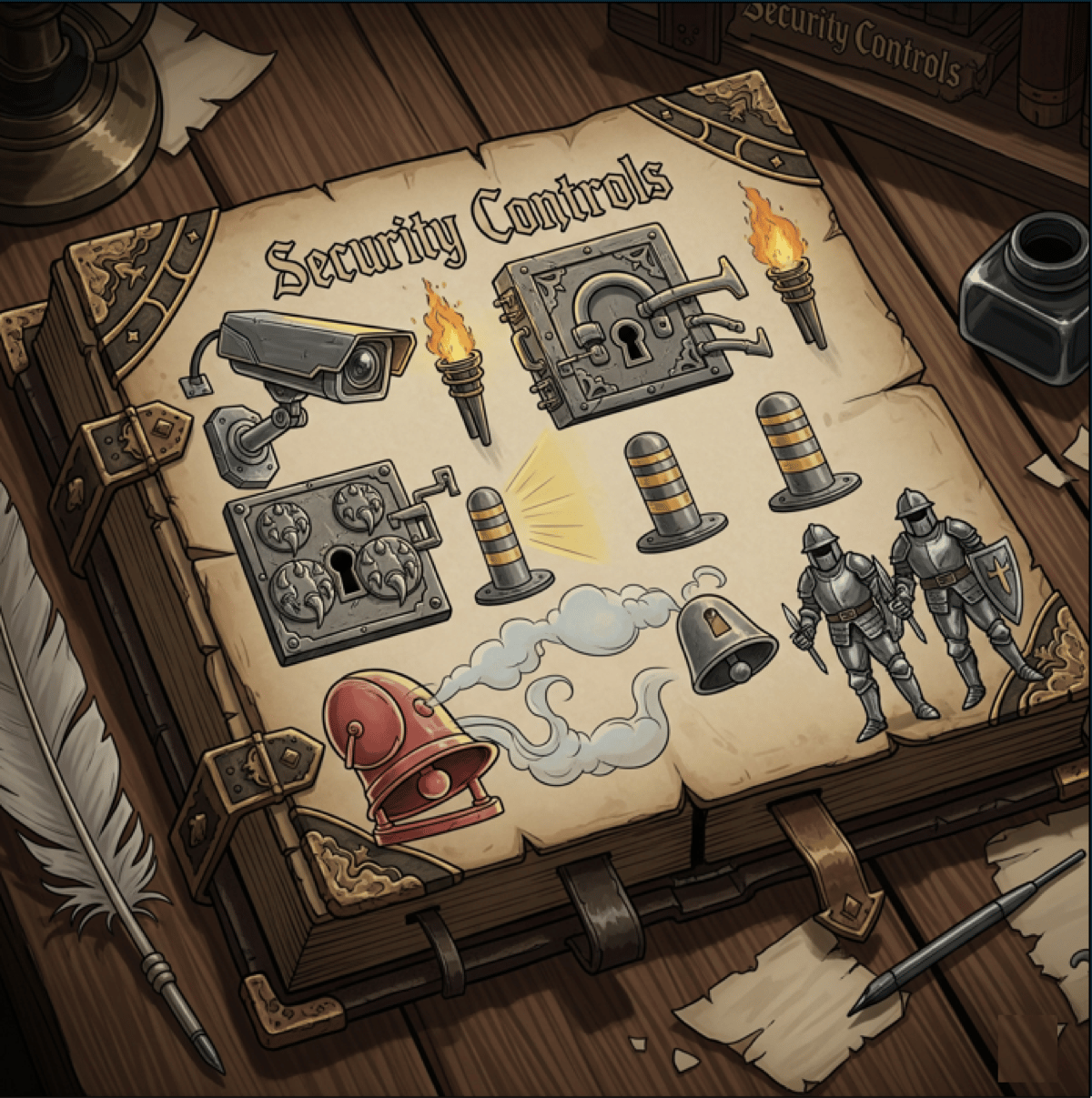
Security controls protect organizations through multiple layers of defense
Defense in depth
No single security control can stop every threat. That’s why organizations use defense in depth - multiple layers of security that work together. Think of it like a castle:- The moat stops most attackers before they reach the walls
- The walls block those who cross the moat
- The guards catch anyone who makes it past the walls
- The locked doors protect the rooms inside
- The vault secures the most valuable treasures
- It slows the attacker down, buying your team time to respond
- It generates alerts, telling you something is wrong before the attacker reaches the target
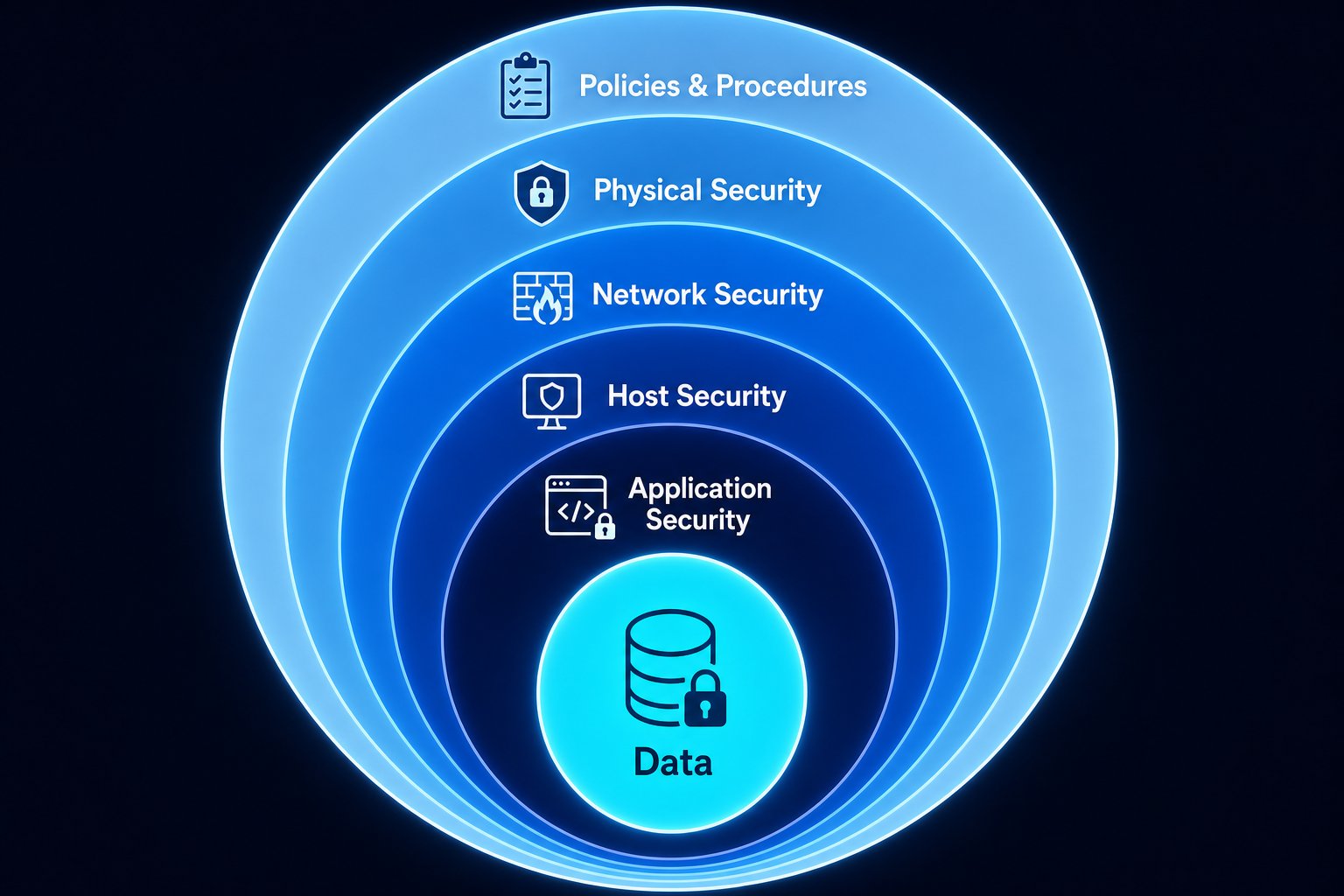
Defense in depth - multiple layers protecting your data at the center
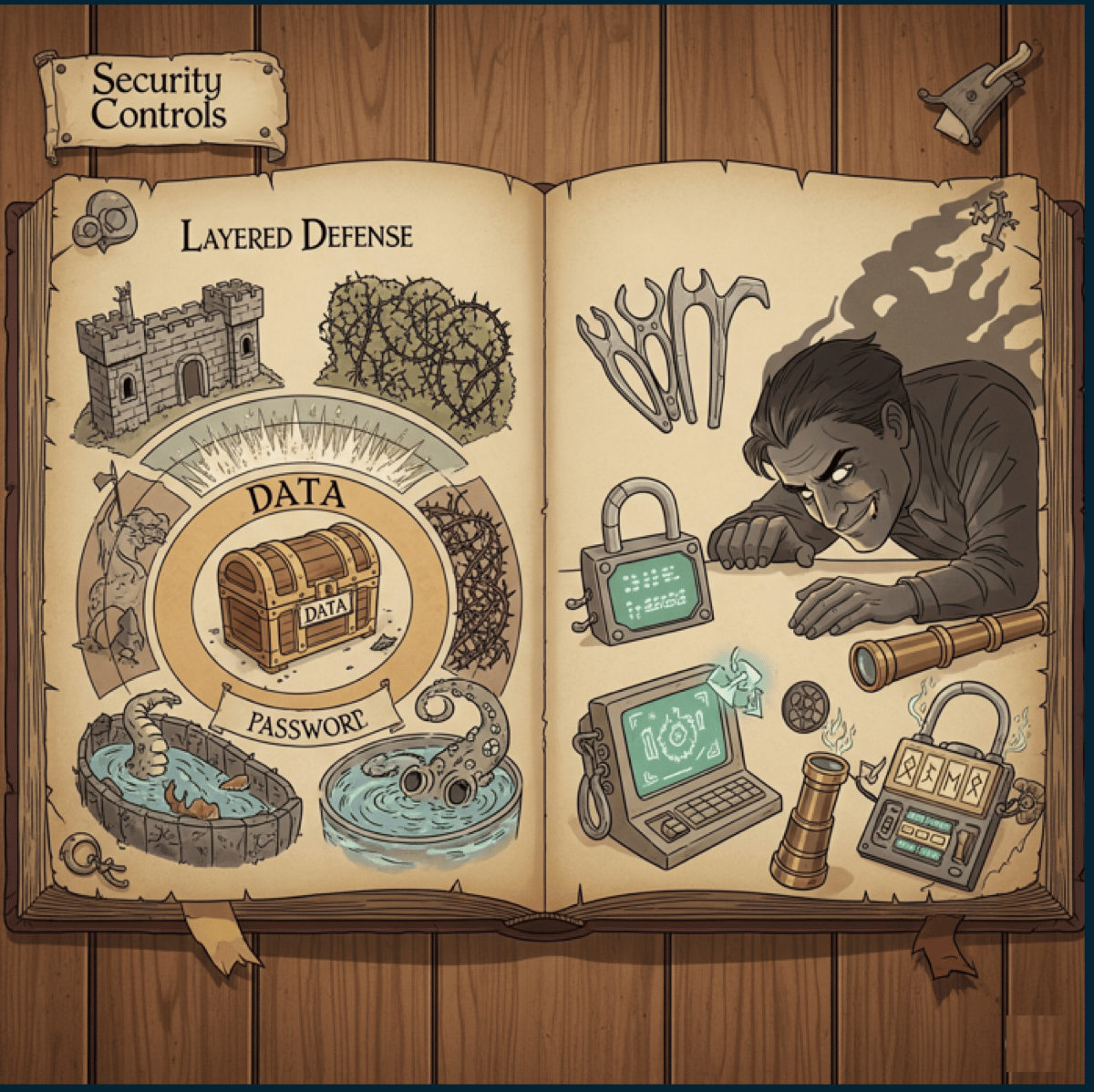
Layered defense - an attacker must bypass every layer to reach the data
Four security control categories
The Security+ framework organizes controls into four categories based on how they are implemented. Each category addresses risk in a fundamentally different way.- Technical (software)
- Physical (hardware)
- Operational (day-to-day)
- Managerial (policy)
Six security control types
While categories describe how a control is implemented, types describe what the control is designed to do. Every control - regardless of category - falls into one or more of these six types.Preventive - stops threats before they happen
Preventive - stops threats before they happen
- Firewall rules that block unauthorized traffic before it enters the network
- Door locks that prevent unauthorized physical entry
- Access controls that deny users permissions they shouldn’t have
- Encryption that makes stolen data unreadable
- Employee security training that teaches people to recognize phishing emails
- Input validation that rejects malicious data before it reaches the database
Detective - identifies threats during or after
Detective - identifies threats during or after
- Security cameras that record who enters and exits a facility
- Intrusion Detection Systems (IDS) that alert on suspicious network traffic
- Log monitoring and SIEM (Security Information and Event Management) systems
- Motion sensors that trigger alerts when movement is detected after hours
- File integrity monitoring that flags when critical files are modified
- Audit trails that record who did what and when
Deterrent - discourages threats
Deterrent - discourages threats
- Warning signs (“Premises under 24/7 video surveillance”)
- Exterior lighting that eliminates hiding spots around a building
- Visible security cameras that remind people they are being watched
- Login banners (“Unauthorized access is prohibited and will be prosecuted”)
- Uniformed security guards whose presence discourages trespassing
- Beware of dog signs (even if there is no dog)
Corrective - fixes problems after they occur
Corrective - fixes problems after they occur
- Patching a vulnerability after it has been exploited
- Restoring from backups after ransomware encrypts your files
- Fire extinguishers that put out a fire after it starts
- Incident response procedures that guide the team through recovery
- Antivirus quarantine that isolates and removes detected malware
- Revoking compromised credentials and issuing new ones
Compensating - alternatives when primary controls aren't feasible
Compensating - alternatives when primary controls aren't feasible
- Security guards instead of security cameras (when cameras aren’t in the budget)
- Enhanced logging and monitoring when you can’t encrypt legacy data
- Network segmentation when you can’t patch a vulnerable system immediately
- Manual code reviews when automated scanning tools aren’t available
- Temporary firewall rules while waiting for a permanent fix
Directive - guides behavior through policies
Directive - guides behavior through policies
- Acceptable use policies that define how employees can use company devices
- Emergency evacuation plans posted on the wall
- Password policies requiring minimum length and complexity
- Data classification policies that define how sensitive data must be handled
- Regulatory compliance requirements (HIPAA, PCI-DSS, GDPR)
- Security awareness training mandates requiring annual completion
Controls can wear multiple hats
Here’s something that trips people up: a single control can belong to one category and multiple types at the same time. Let’s look at some examples:Exercise: classify these controls
For each control below, identify the category (technical, physical, operational, or managerial) and the type(s) (preventive, detective, deterrent, corrective, compensating, or directive). Some controls have more than one type.1. Fence around a data center
1. Fence around a data center
2. Bollards in front of a building entrance
2. Bollards in front of a building entrance
3. Motion-activated exterior lights
3. Motion-activated exterior lights
4. Security camera
4. Security camera
5. Door lock
5. Door lock
6. Antivirus software
6. Antivirus software
7. Written security policies
7. Written security policies
8. UPS / backup power supply
8. UPS / backup power supply
9. Employee security training program
9. Employee security training program
10. Emergency evacuation plan
10. Emergency evacuation plan
Homework: security controls in your home
Before tomorrow, do this exercise at home:Walk through your home
List each control
Classify by category
Classify by type
Map to the CIA Triad