> ## Documentation Index
> Fetch the complete documentation index at: https://stem-docs.intellectualpoint.com/llms.txt
> Use this file to discover all available pages before exploring further.
# Fly first-person view
> Fly using the live camera feed and capture aerial photos and video like a real drone pilot.
## Flying by camera
**First-person view (FPV)** means flying by looking through the drone's camera instead of watching the drone itself. It's how drone racers and filmmakers fly - and today it's your turn.
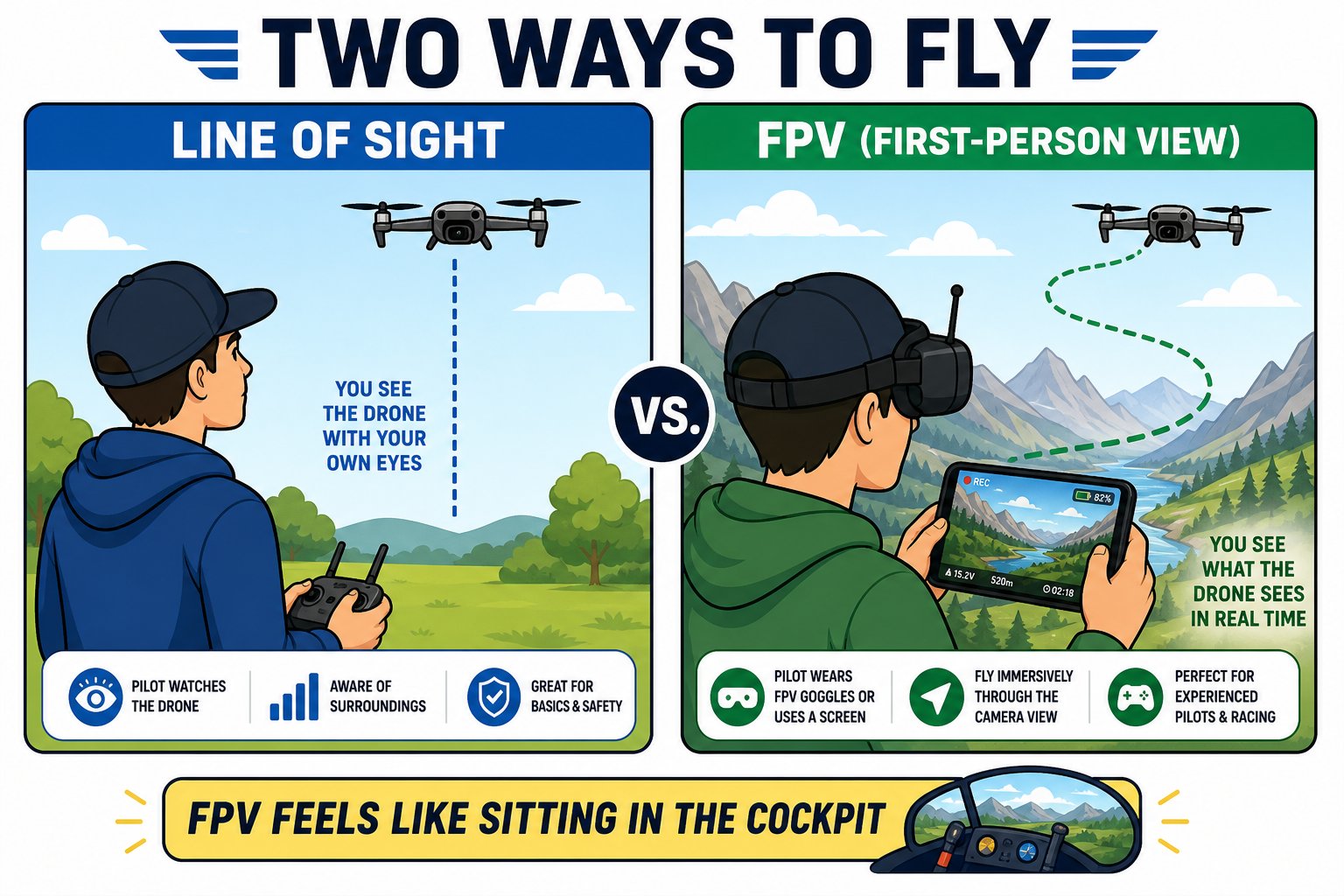 FPV is trickier than watching the drone directly. Start in a large, clear space, keep flights low and slow, and glance up at the real drone whenever you feel lost.
## Get comfortable with the view
Take off and just hover, watching the camera feed. Notice how the view moves as the drone drifts.
Slowly yaw left and right and watch the world pan across the screen. Get used to steering by what you see.
Ease forward and watch the view move toward objects. Keep it slow - FPV makes distances harder to judge.
## Capture aerial shots
FPV is trickier than watching the drone directly. Start in a large, clear space, keep flights low and slow, and glance up at the real drone whenever you feel lost.
## Get comfortable with the view
Take off and just hover, watching the camera feed. Notice how the view moves as the drone drifts.
Slowly yaw left and right and watch the world pan across the screen. Get used to steering by what you see.
Ease forward and watch the view move toward objects. Keep it slow - FPV makes distances harder to judge.
## Capture aerial shots
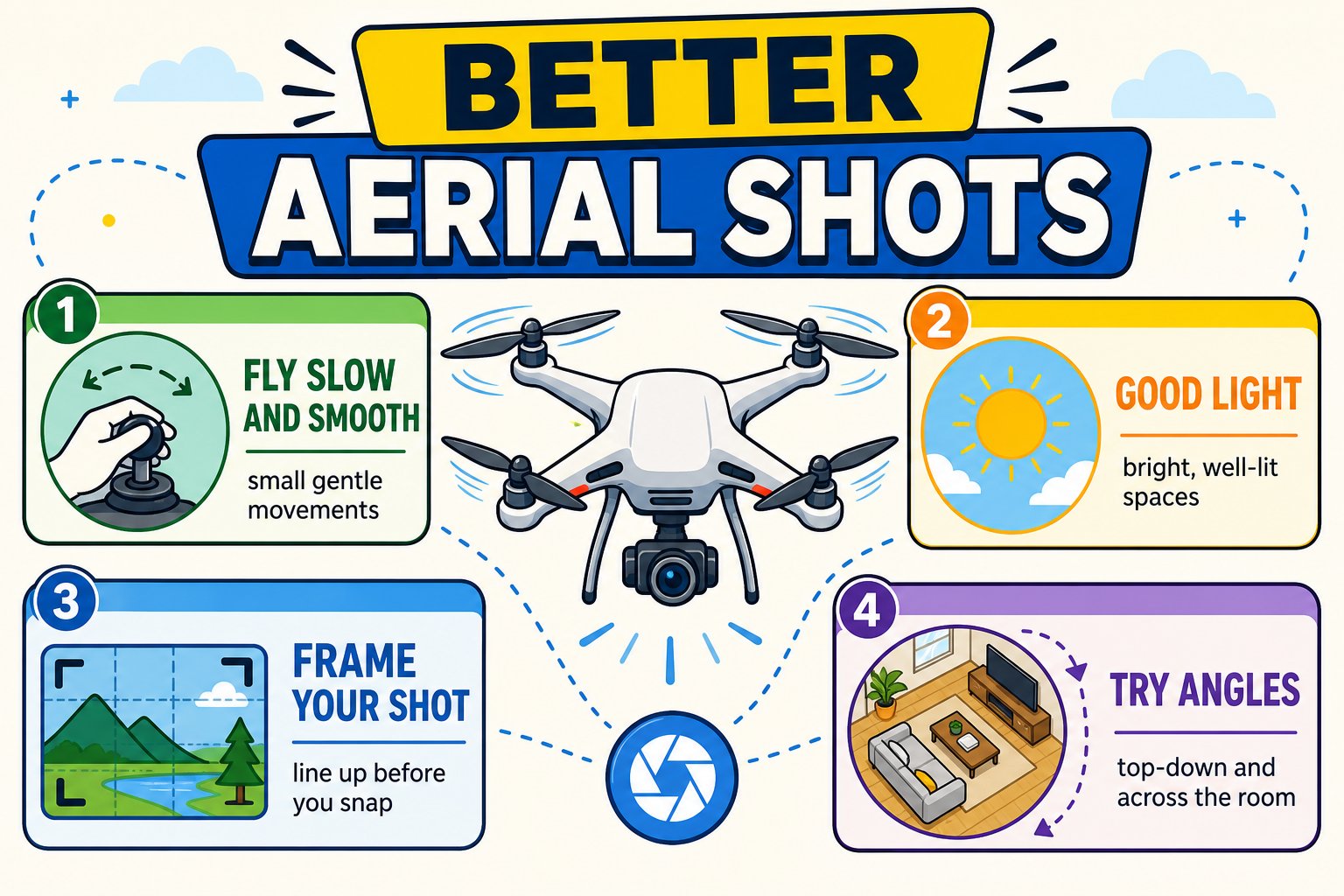 Frame a shot in the app and tap the photo button. Try a top-down view of the floor or a shot across the room.
Press and hold (or tap record) to film a clip. Fly a slow, smooth path for the best footage.
Find your photos and videos saved in the app's album to look back at your shots.
Small, gentle stick movements make far better footage than fast jerks.
## FPV flying challenges
Frame a shot in the app and tap the photo button. Try a top-down view of the floor or a shot across the room.
Press and hold (or tap record) to film a clip. Fly a slow, smooth path for the best footage.
Find your photos and videos saved in the app's album to look back at your shots.
Small, gentle stick movements make far better footage than fast jerks.
## FPV flying challenges
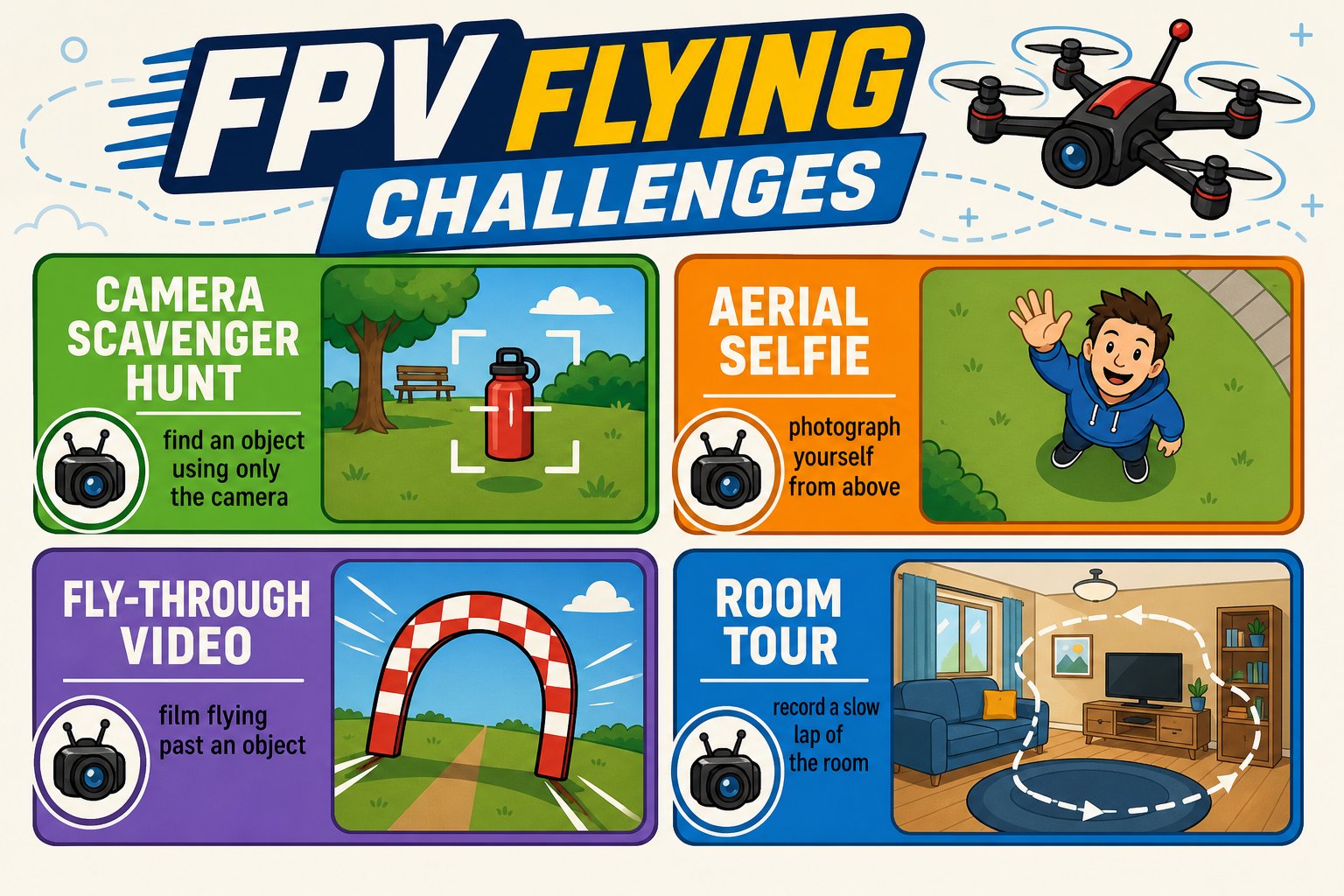 Without looking at the drone, use only the camera to find and hover over a specific object in the room.
Frame and capture a photo of yourself from above.
Record a smooth clip flying slowly toward and past an object.
Fly a slow lap and record a video tour of the space.
Start pointed at the floor, then slowly tilt up to reveal the whole room - a classic film move.
Have a friend walk slowly while you keep them centered in the camera. Harder than it sounds!
The optical-flow sensor and camera both work best over a **textured, well-lit floor**. Good lighting makes your video clearer and your hover steadier.
You flew the drone using the live camera view and captured at least one aerial photo or video.
Without looking at the drone, use only the camera to find and hover over a specific object in the room.
Frame and capture a photo of yourself from above.
Record a smooth clip flying slowly toward and past an object.
Fly a slow lap and record a video tour of the space.
Start pointed at the floor, then slowly tilt up to reveal the whole room - a classic film move.
Have a friend walk slowly while you keep them centered in the camera. Harder than it sounds!
The optical-flow sensor and camera both work best over a **textured, well-lit floor**. Good lighting makes your video clearer and your hover steadier.
You flew the drone using the live camera view and captured at least one aerial photo or video.