> ## Documentation Index
> Fetch the complete documentation index at: https://stem-docs.intellectualpoint.com/llms.txt
> Use this file to discover all available pages before exploring further.
# Finding models online
> Explore the huge online libraries of free 3D models you can download, print, and remix to keep creating after camp.
## You don't have to design everything
Designing your own models is a superpower - but sometimes you just want to print something cool tonight. The 3D printing community shares **millions of free models** you can download, slice, and print. Many are also **remixable**, meaning you can open them and make them your own.
 ## The best free model libraries
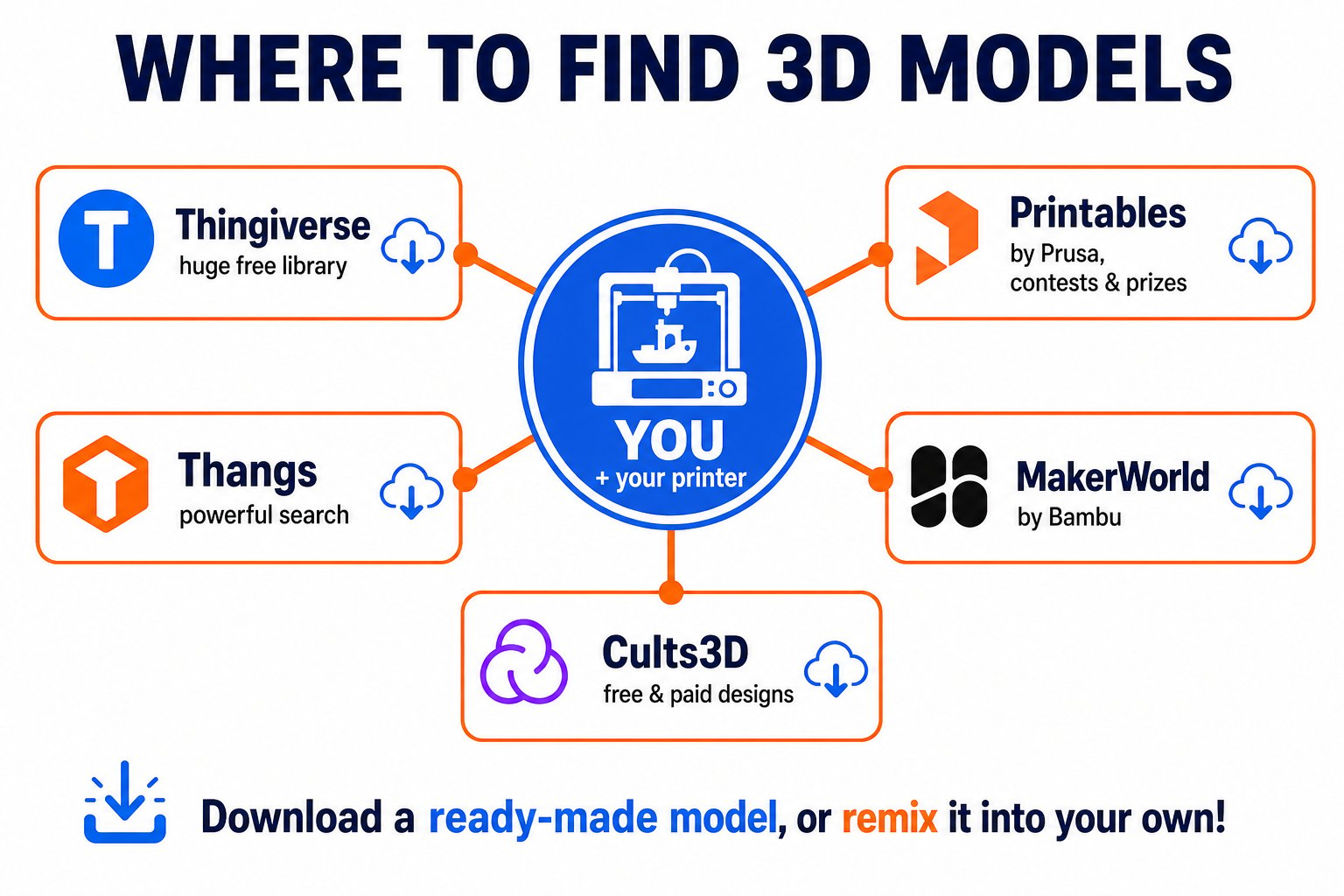 The original and largest library of free 3D models. Huge selection, great for beginners.
Run by Prusa. High-quality models, contests, and a helpful community.
Bambu Lab's library with many parametric, customizable models.
A powerful search engine for 3D models across many sites.
## How to download and print a model
Search a library for what you want - "phone stand," "dragon," "desk organizer." Check the photos and comments to see how well it prints.
Download the `.stl` (or `.3mf`) file. Read the maker's notes - some suggest specific settings or supports.
Open the file in Cura, scale it if needed, choose your settings, and slice.
Save to your microSD card and print on your Ender 3.
## Be a good community member
Most models are free for personal use. Check the license before selling prints or reposting a design as your own.
If you remix someone's design, credit the original maker.
When you design something cool, consider uploading it so others can enjoy it too.
Post a photo of your print to thank the designer and help others see how it turns out.
A great way to keep learning is to download a model, then open it (or a similar one) in Tinkercad and change it. Remixing existing designs is how many makers learn to design their own.
The original and largest library of free 3D models. Huge selection, great for beginners.
Run by Prusa. High-quality models, contests, and a helpful community.
Bambu Lab's library with many parametric, customizable models.
A powerful search engine for 3D models across many sites.
## How to download and print a model
Search a library for what you want - "phone stand," "dragon," "desk organizer." Check the photos and comments to see how well it prints.
Download the `.stl` (or `.3mf`) file. Read the maker's notes - some suggest specific settings or supports.
Open the file in Cura, scale it if needed, choose your settings, and slice.
Save to your microSD card and print on your Ender 3.
## Be a good community member
Most models are free for personal use. Check the license before selling prints or reposting a design as your own.
If you remix someone's design, credit the original maker.
When you design something cool, consider uploading it so others can enjoy it too.
Post a photo of your print to thank the designer and help others see how it turns out.
A great way to keep learning is to download a model, then open it (or a similar one) in Tinkercad and change it. Remixing existing designs is how many makers learn to design their own.