> ## Documentation Index
> Fetch the complete documentation index at: https://stem-docs.intellectualpoint.com/llms.txt
> Use this file to discover all available pages before exploring further.
# Types of 3D printing
> Explore the major 3D printing technologies - FDM, SLA, and SLS - plus the kinds of printers used from desktops to factories.
## More than one way to print
Your Ender 3 uses FDM, but it is just one member of a bigger family. Knowing the others helps you understand what 3D printing can do and choose the right tool for a job.
 ## The three main technologies
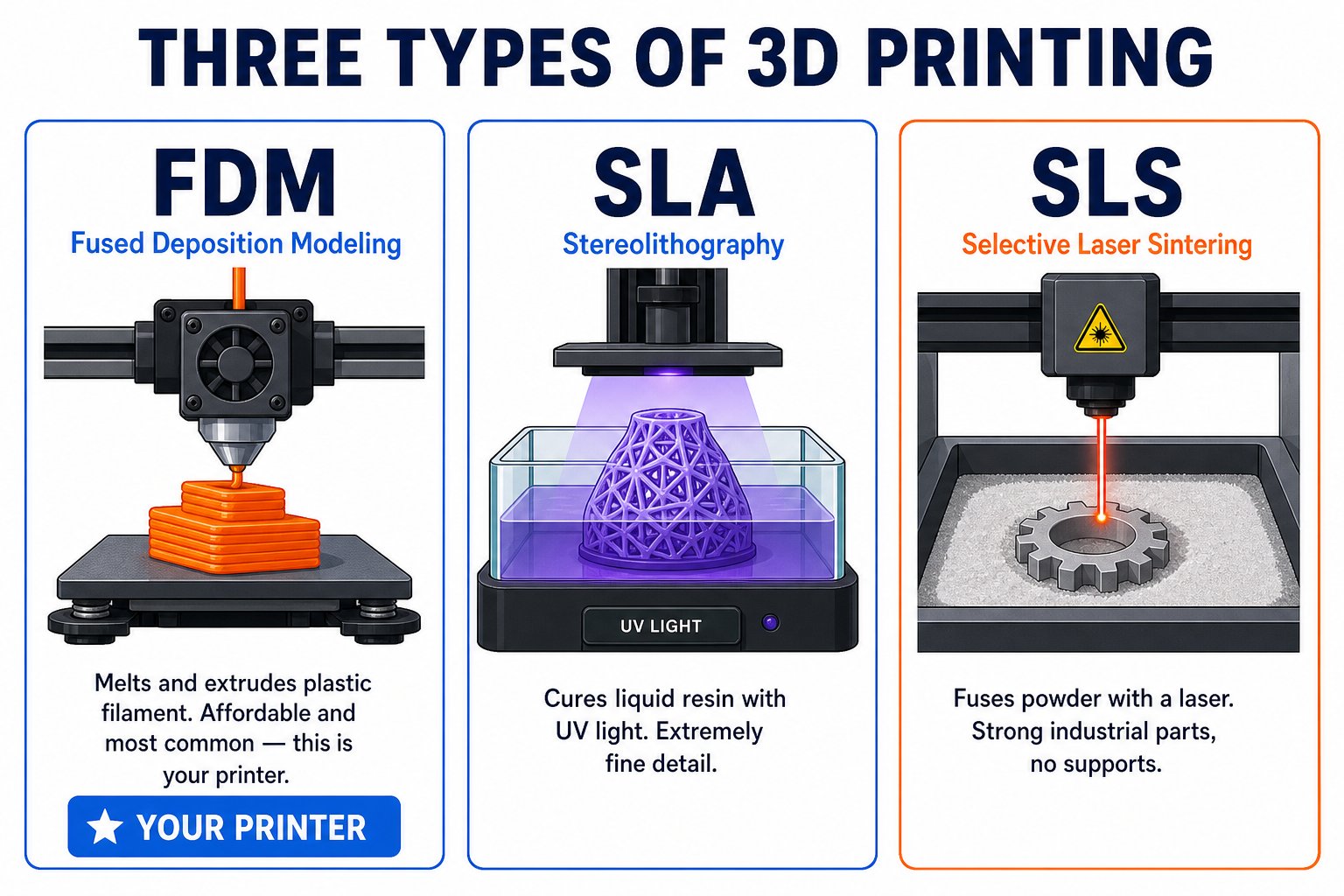
Melts thermoplastic filament and extrudes it through a nozzle, layer by layer. It has the **lowest cost of entry** and is the most common desktop method - this is your Ender 3. Trade-off: lower resolution than resin.
Uses a **UV laser or light** to cure liquid resin, solidifying it layer by layer. Produces the **finest detail and smoothest surfaces** - ideal for miniatures, jewelry, and dental models. Trade-off: messy resin and post-curing.
Uses a **high-powered laser** to fuse powdered nylon or metal. The surrounding powder supports the part, so **no support structures** are needed. Produces strong, functional parts. Trade-off: industrial and expensive.
## Additive vs subtractive
All 3D printing is **additive** - you add material to build a shape. Traditional manufacturing is often **subtractive** - you cut material away from a solid block.
## The three main technologies
Melts thermoplastic filament and extrudes it through a nozzle, layer by layer. It has the **lowest cost of entry** and is the most common desktop method - this is your Ender 3. Trade-off: lower resolution than resin.
Uses a **UV laser or light** to cure liquid resin, solidifying it layer by layer. Produces the **finest detail and smoothest surfaces** - ideal for miniatures, jewelry, and dental models. Trade-off: messy resin and post-curing.
Uses a **high-powered laser** to fuse powdered nylon or metal. The surrounding powder supports the part, so **no support structures** are needed. Produces strong, functional parts. Trade-off: industrial and expensive.
## Additive vs subtractive
All 3D printing is **additive** - you add material to build a shape. Traditional manufacturing is often **subtractive** - you cut material away from a solid block.
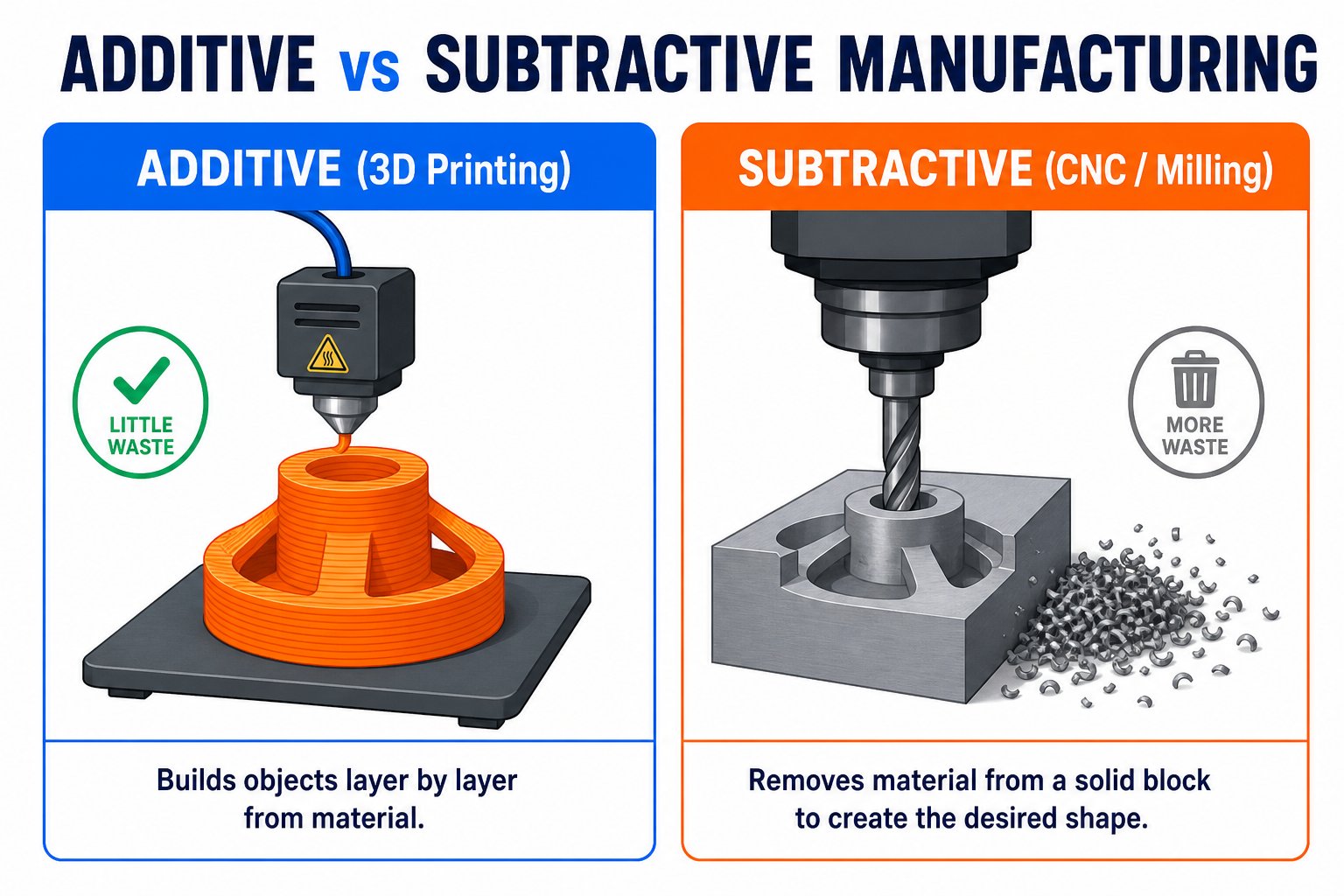 Additive manufacturing wastes far less material and can create complex hollow shapes that would be impossible to carve.
## Common printing materials
PLA, ABS, PETG, and more. Affordable, versatile, and used in most desktop printing.
Powdered steel, titanium, or aluminum, fused for strong industrial parts.
Ceramic powders, resins, and even edible or concrete materials for special uses.
## Kinds of 3D printers
Compact, affordable printers for homes, schools, and hobbyists. Usually FDM. Your Ender 3 is a desktop printer.
Additive manufacturing wastes far less material and can create complex hollow shapes that would be impossible to carve.
## Common printing materials
PLA, ABS, PETG, and more. Affordable, versatile, and used in most desktop printing.
Powdered steel, titanium, or aluminum, fused for strong industrial parts.
Ceramic powders, resins, and even edible or concrete materials for special uses.
## Kinds of 3D printers
Compact, affordable printers for homes, schools, and hobbyists. Usually FDM. Your Ender 3 is a desktop printer.
 Large, high-precision machines for factories and professionals. They use FDM, SLA, SLS, or metal printing to make production parts.
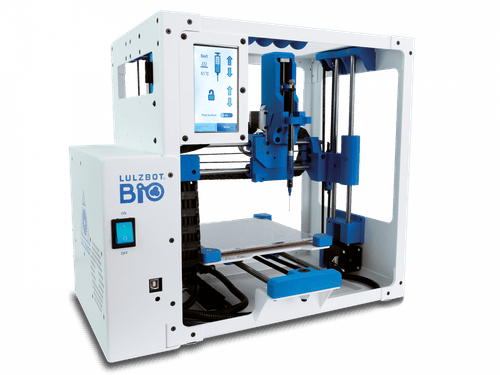
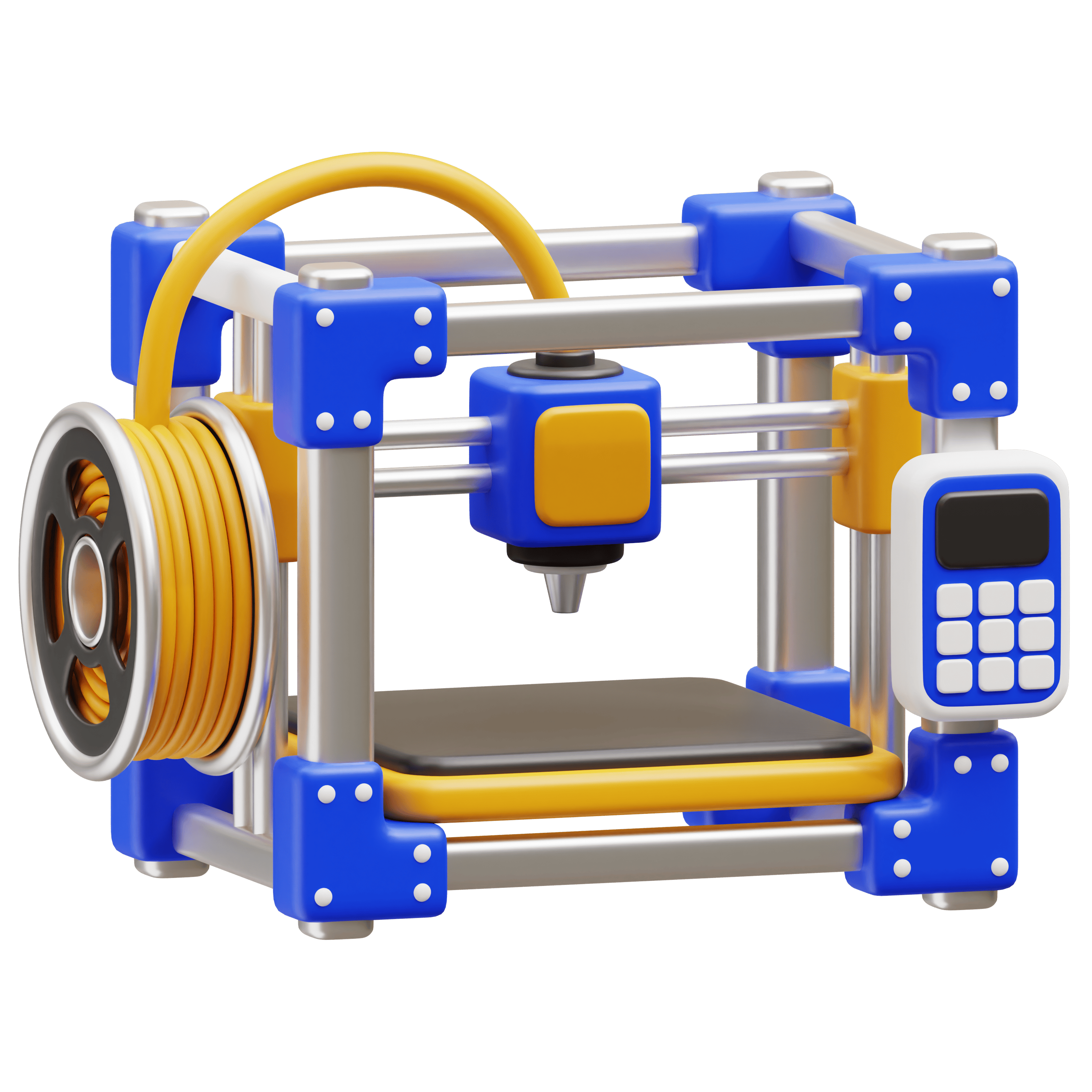 Purpose-built printers - **bioprinters** that print living tissue, **food printers** that print chocolate, and **construction printers** that print houses from concrete.
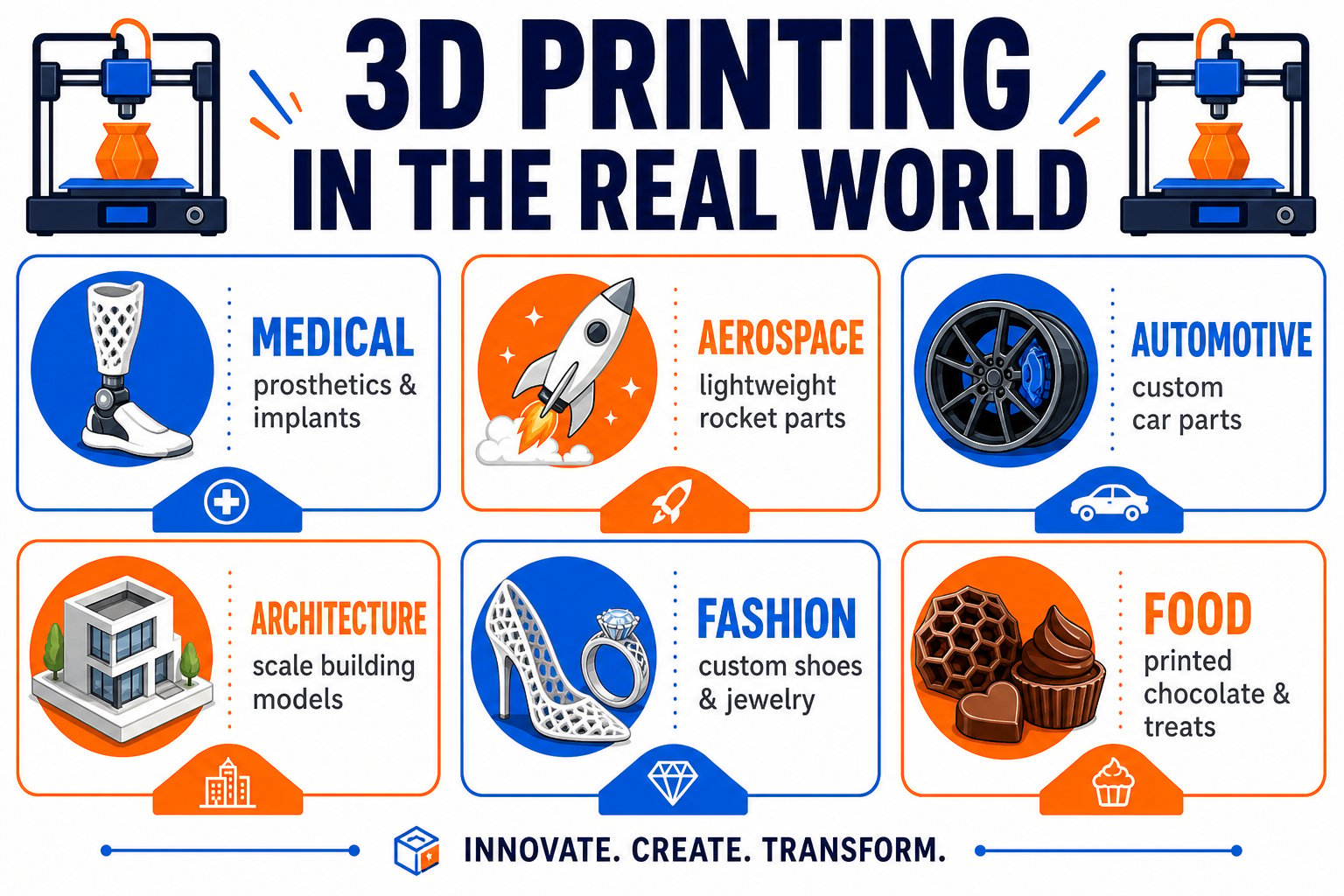
 ## Where 3D printing is used
From classrooms to operating rooms, 3D printing shows up across nearly every industry.
## Where 3D printing is used
From classrooms to operating rooms, 3D printing shows up across nearly every industry.
 ## Where the technology is going
Printing several colors or materials in one object for vivid, functional parts.
Faster machines that print in a fraction of the time without losing quality.
Printing tissue, implants, and one day whole organs for medicine.
Printing houses and bridges from concrete, faster and cheaper than traditional building.
The core skill is the same across every one of these machines: turn a digital design into a physical object, one layer at a time. Learn it on your Ender 3 and you understand all of them.
## Where the technology is going
Printing several colors or materials in one object for vivid, functional parts.
Faster machines that print in a fraction of the time without losing quality.
Printing tissue, implants, and one day whole organs for medicine.
Printing houses and bridges from concrete, faster and cheaper than traditional building.
The core skill is the same across every one of these machines: turn a digital design into a physical object, one layer at a time. Learn it on your Ender 3 and you understand all of them.